On this page you will find information regarding:
| mySDCCD Portal troubleshoot, Accessing Canvas, Setting up (MFA) Multi-factor-authenticator |
|---|
In order to access Canvas as a Dual Enrollment student, your high school counselor/Liaison in communication with our Admissions team will enroll the student into the selected courses. Canvas shells often will populate on the student's dashboard of items within the week classes start.
In addition, it is normal to not have access to the actual course canvas tab until the actual start date of the course or when the professor activates the canvas for student access. Please wait until the first day of classes before reaching out to [email protected] and your counselors for support.
How to access Canvas:
How to access Outlook (Student Email)
Concurrent and MOU (Non-CCAP Dual Enrollment)
Supplemental application
-
Login and Create an account using our districts mySDCCD Jira application through the student support desk.
-
Fill out the questions according to the appropriate College (Miramar) and term (Fall, Spring)
Link to get started: Supplemental Application for Special Part-Time/Joint-Diploma - Student Support Desk - Jira Service Management
- Follow Instructions in the email sent that contains your student email address (ex. [email protected])
- Use the temporary password to login and create your own password
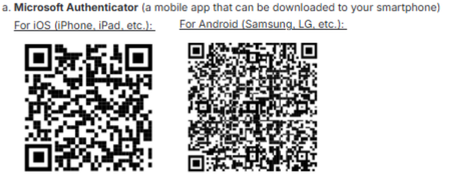
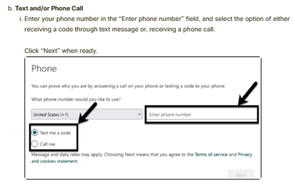
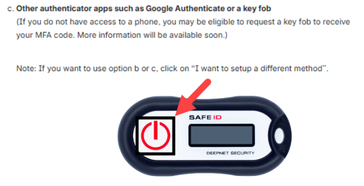
- Set Up Multi-Factor-Authentication
There are 3 ways to set up Multi-Factor-Authentication